 AzEasier
Learn Azerbaijani step by step
From your first “Salam” to real conversation: short lessons with clear explanations in English, Russian or French, and daily practice.
Get the app
Level A1 is free. You can start without signing up.
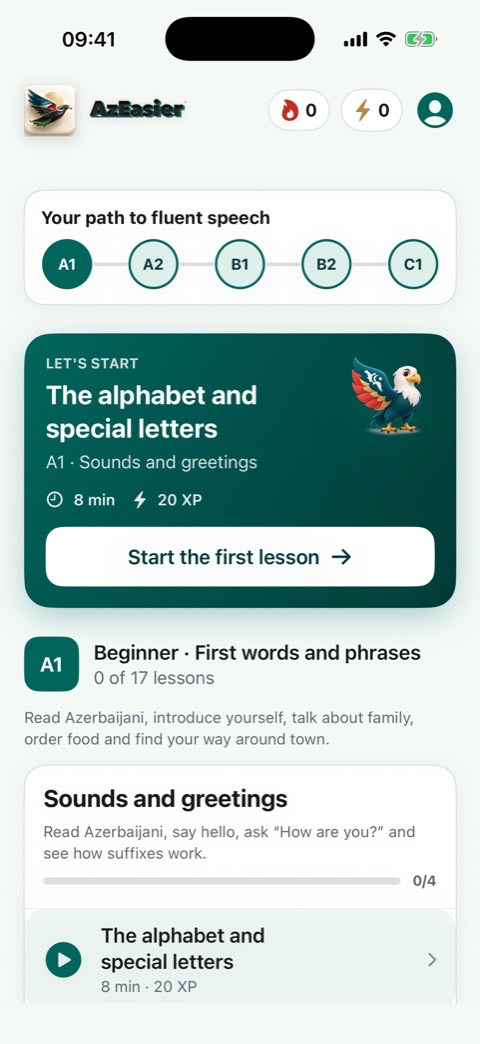
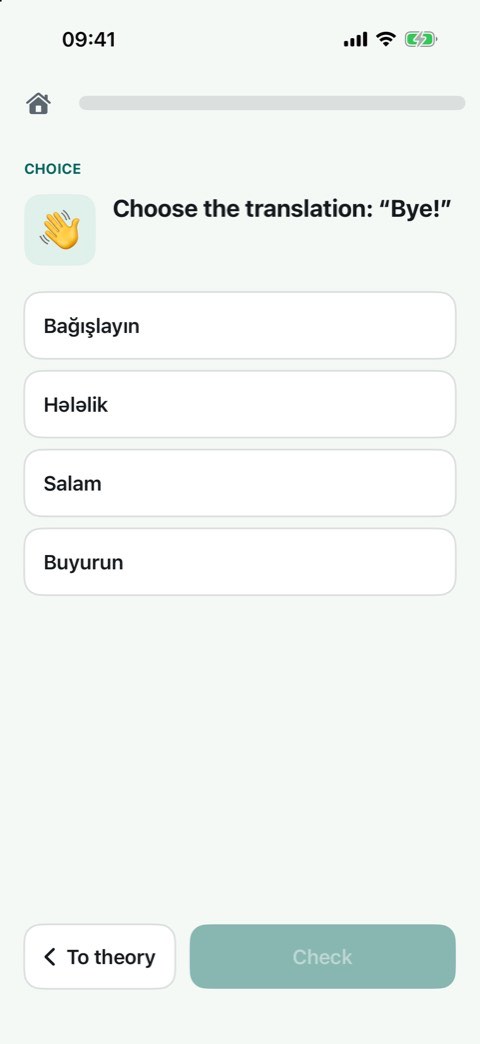
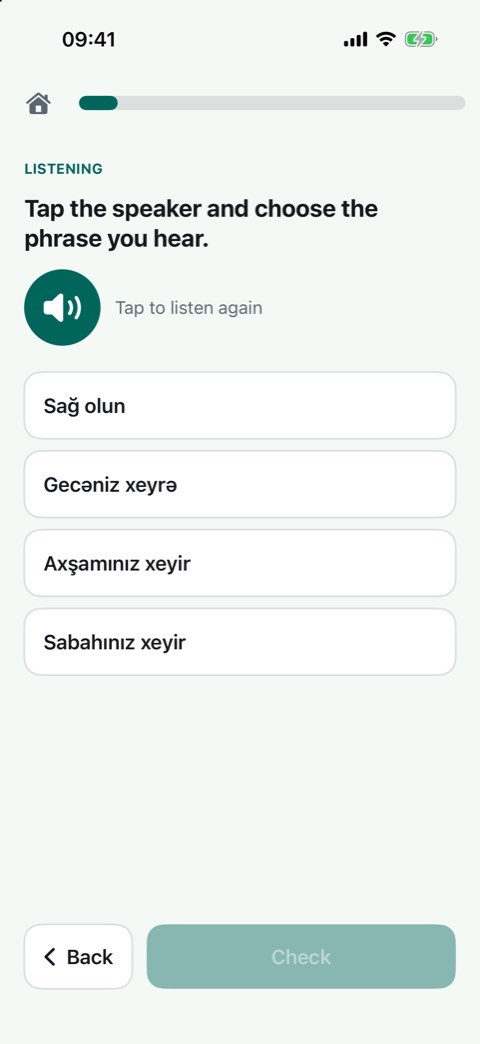
90 lessons, A1 to C1
The alphabet and greetings, everyday phrases, suffixes, vowel harmony, listening. A1 is free; Premium unlocks A2–C1.
Audio, and offline
Every phrase has audio: a synthetic voice, Banu or Babek. Lessons, exercises and audio work without a connection.
Explained in your language
English, Russian or French: change the language of the explanations in your profile. An AI tutor helps with grammar and translation.
Good to know
- The audio is synthetic speech, not a recording of a human speaker.
- The AI tutor can make mistakes: the lessons are the main source. Messages to the tutor are processed only if you agree.
- The English and French explanations are new and have not been checked by native speakers yet. If something sounds off, tell us through the feedback form in the app.
- No ads and no third-party trackers. Usage statistics are collected only if you agree.
- An account is needed for sync, the AI tutor and subscription management; level A1 works without one.
Support and frequently asked questions
Email us: contact@finalingua.com
Even easier, from the app: Profile → feedback (we reply there and by email).
Do I need an account?
No. “Try without signing up” opens level A1; progress stays on your device. An account is needed to save progress on the server, use the AI tutor and manage your subscription.
How do I delete my account and data?
In the app: Profile → Delete account. Everything is deleted immediately and for good.
Does it work offline?
Yes: lessons, exercises and audio work offline. You need a connection to sign in, sync and use the AI tutor.
How do I change the voice?
Profile → Narrator voice: Banu (female) or Babek (male).
How do I report a mistake or leave feedback?
In the app: Profile → feedback (idea, bug, other, rating from 1 to 5). You can flag a mistake in a specific exercise from the exercise itself. To rate the app on the App Store: Profile → “Rate AzEasier”. The developer’s reply comes back in the app and by email.
How do I turn off emails and statistics?
Reminders and news are sent only to people who agreed; unsubscribe with the link in the email or the switch in Profile. Usage statistics and diagnostics are collected only with your consent (asked after your first sign-in); withdraw it in Profile → “Usage statistics” and the stored events are erased.